• Shop open Mon - Fri 10:00 - 5.30pm
• Closed Sat 16th May (see full Opening Hours Calendar)


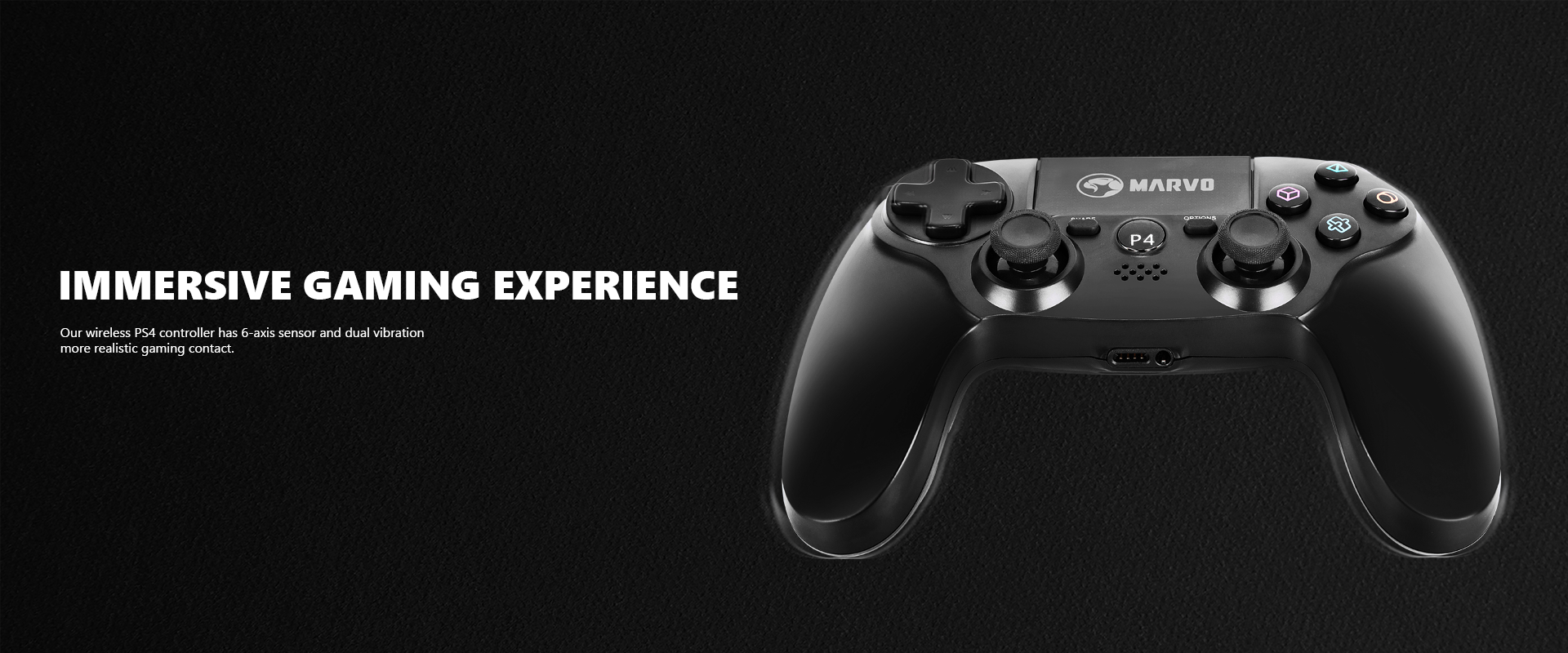
MARVO Scorpion GT-64 PS4 Wireless Controller
- Strong compatibility: PS4/PS3/Windows
- Ergonomically designed for comfort with sweat-proof and anti-slip materials
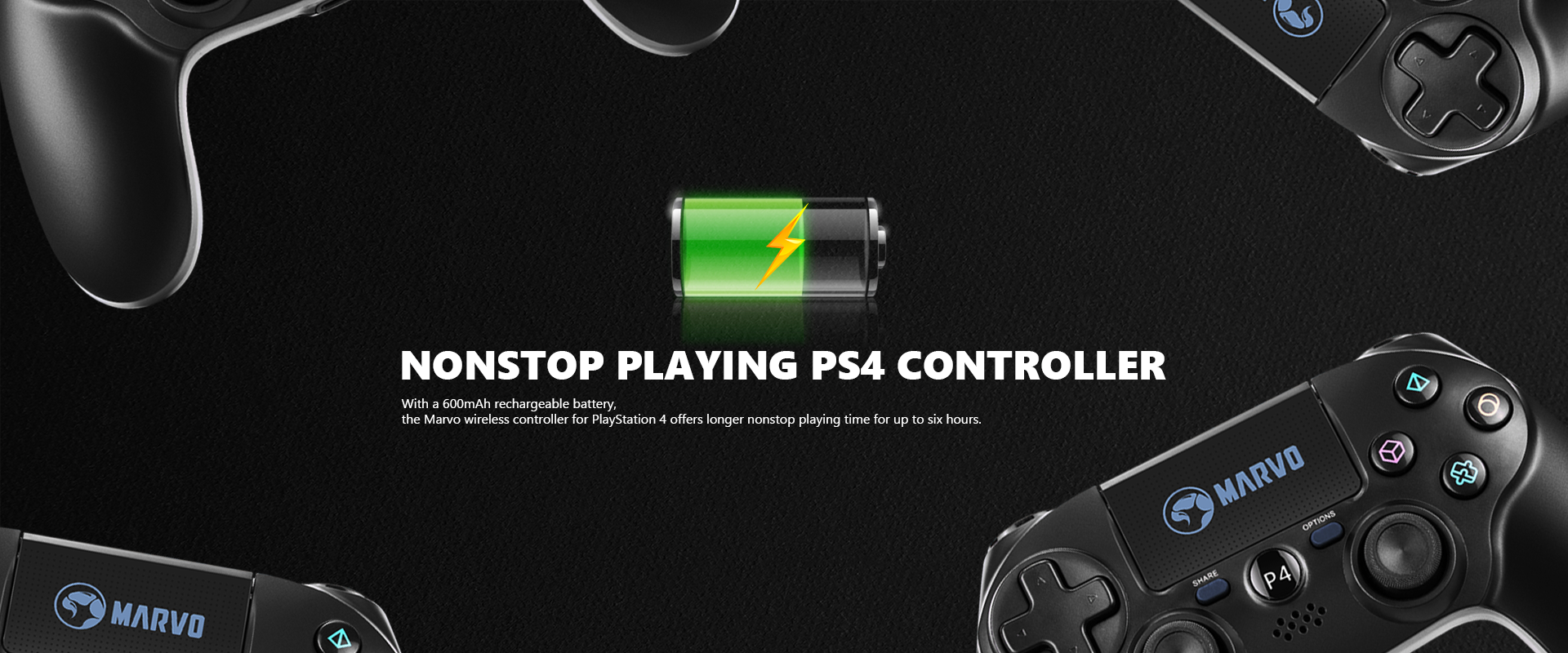
- 6-hour battery life
- 6-axis sensor and dual vibration feedback for an immersive gaming experience
- 3.5mm analogue audio port
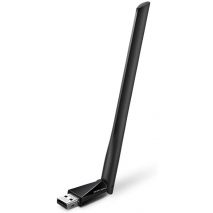
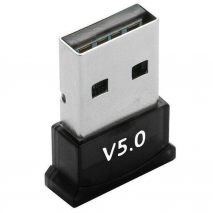
NOTE - to pair this on Bluetooth on a PC with a Bluetooth adapter, hold the 'SHARE' and 'P4' buttons for a few seconds so that the LED blinks rapidly - this puts the controller in pairing mode. Holding the P4 button alone only wakes it up, so need those two buttons together to enable the device for pairing.



| Connection | Wireless or Wired (USB cable) |
| USB Port | USB 2.0 |
| Buttons | 15 |
| Cable Length | 0.8m |
| Vibration Effects | Yes |
| Sensors | D-Sensor, G-Sensor |
| Special Features | Touch Panel |
| Battery Capacity | 600mAh |
| Speaker | Built-in mono speaker, 6/8Ω-1w |
| Interface | EXT support, 3.5mm jack |
| Compatability | PS4/PC(D-INPUT/X-INPUT/PS3 |
| OS Support | Windows 7 or newer, PS4/PS3 |
GTIN:
6932391922026
MPN:
GT-64
New features
Manufacturer:
Marvo
Customers also bought